Registering your TM SIM card online requires a few personal details, a valid identification document and access to your mobile phone for OTP verification. Having these items ready before you begin can help you complete the application without unnecessary delays.
This TM SIM registration guide explains the documents you may need, how to register your number, how to check your registration status and what to do if you encounter common errors. Visit for Homepage for more
What Is TM SIM Registration?
TM SIM registration is the process of associating a mobile SIM card with the subscriber’s personal information and identification documents.
The registration procedure described in this guide involves verifying your TM mobile number, entering personal details, submitting identification and completing facial verification.
A successful application should provide a confirmation message and a reference code that you can keep for your records.
TM SIM Registration Requirements: What to Prepare
Before opening the registration website, prepare your mobile phone, identification document and a reliable internet connection. You should also have clear digital photographs ready if the portal requests document uploads.
1. A valid identification document
Filipino citizens should prepare a valid government-issued photo ID. The supplied requirements list the following documents.
| Primary IDs | Other listed IDs |
|---|---|
| PhilID or ePhilID | Voter’s ID |
| Philippine Passport | PRC ID |
| Driver’s Licence | Postal ID |
| SSS ID or UMID | Senior Citizen ID |
| GSIS e-Card | PWD ID |
| OWWA ID or OFW ID | |
| Barangay Identification Certificate |
The accepted identification documents may depend on the registration system’s current rules. Check the available ID options on the official portal before proceeding.
2. Clear digital photographs
The supplied guide recommends JPG or PNG images, with a file size of approximately 4–5 MB or less per image.
For the best results, take your ID photograph in good lighting. Avoid blurry images, strong reflections and photographs that cut off any part of the document.
3. Your TM mobile number
Keep the TM SIM card you want to register in your phone. You will need access to its SMS inbox to receive the one-time password (OTP).
The registration instructions use a 10-digit mobile number format, such as 9XXXXXXXXX. Enter your own number exactly as requested by the portal.
Documents Required for Different Subscribers
The registration requirements can differ according to the subscriber’s age, nationality or business status.
| Subscriber type | Documents listed in the supplied guide |
|---|---|
| Adults aged 18 and above | One valid photo ID |
| Minors under 18 | Parent or guardian’s valid photo ID, minor’s PSA or local birth certificate, and consent or authorisation |
| Foreign tourists | Passport, proof of return ticket, and hotel booking or Philippine address proof |
| Foreign residents or workers | Passport, ACR I-Card, and Alien Employment Permit or school ID |
| Corporate or business subscribers | Authorised representative’s valid ID, SEC or DTI registration, and board resolution or Special Power of Attorney |
For parents and guardians: Prepare the minor’s birth certificate and the required consent documentation before starting. The supplied guide describes a parent or guardian’s involvement in the registration process, but you should confirm the exact procedure through official support.
Foreign nationals should also check which additional documents apply to their particular circumstances.
How to Register Your TM SIM Online
The following steps follow the registration process described in the supplied guide. Portal instructions may change, so always follow the current requirements displayed on the official website.
Step 1: Visit the TM SIM Registration Portal
Open your preferred browser and visit the registration website:
TM SIM Registration Portal
Alternatively, you can visit the Globe registration page:
Enter your TM mobile number in the field provided. Check the number carefully before selecting the Register or Send OTP option.
Tip: Use a stable internet connection and keep your mobile phone nearby. You will need it for the verification stage.

Step 2: Verify Your Mobile Number With an OTP
After requesting an OTP, check the SMS inbox of your TM mobile phone.
The supplied instructions describe a six-digit verification code. Enter the code in the registration form and select Verify.
The source guide recommends entering the OTP within five minutes. If the code expires or is rejected, request a new one through the portal.
Never share your OTP with another person, even if they claim to be helping you register your SIM.

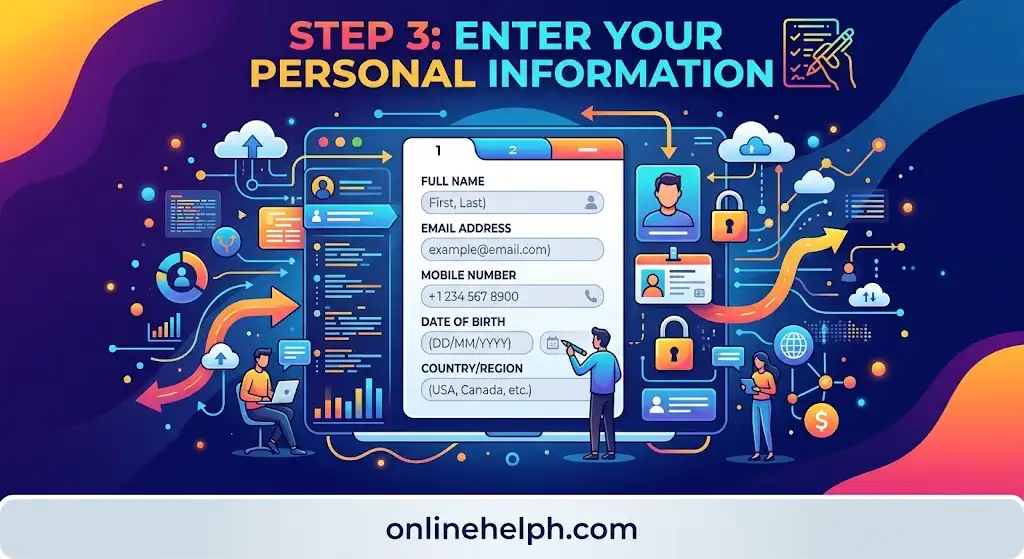
Step 3: Enter Your Personal Information
Once the system accepts your OTP, proceed to the personal information form.
You may need to provide:
- Full name, including first name, middle name, surname and suffix, if applicable.
- Date of birth and gender.
- House or unit number, street, barangay, city or municipality, province and postal code.
- Nationality.
Enter your details carefully. Your name and other information should match your identification document.
Before moving forward, review the form for spelling mistakes, missing information and incorrect address details.
Step 4: Upload Your ID and Selfie
Select the appropriate identification type from the available options.
Take or upload a clear photograph of the front of your ID. The document should be fully visible, with its details readable and all four corners included.
You will also be asked to provide a selfie for facial verification, according to the supplied registration instructions.
For a clearer image, use good lighting, keep your face in focus and remove obstructions such as face masks, hats or dark glasses.
If the portal rejects your photographs, check the displayed image requirements before trying again.

Step 5: Review and Submit Your Application
Before submitting your TM SIM registration form, check every section one more time.
Confirm that your personal information matches your ID and that the correct documents have been uploaded.
Read the Privacy Policy, Terms and Conditions and any applicable data privacy consent statement shown on the portal. Tick the required boxes only after reviewing the information.
Select Submit to send your application.

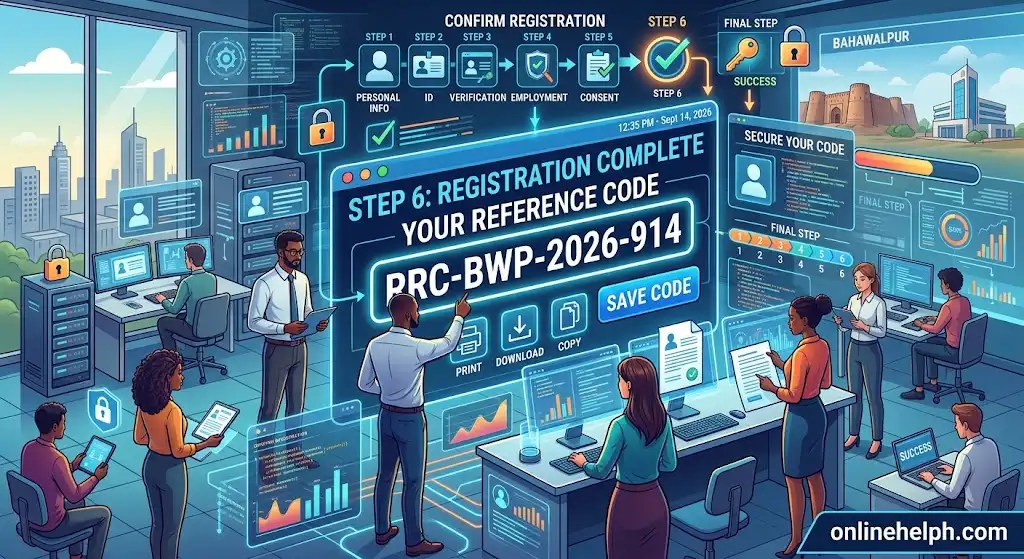
Step 6: Save Your Registration Reference Code
After submitting the form, look for the registration confirmation message.
The supplied guide states that a successful completion message includes a Reference Control Code.
Save this code immediately. You can take a screenshot or write it down and store it somewhere secure.
Keep your confirmation details in case you need to check your registration status or contact official support later.
How to Check Your TM SIM Registration Status
After submitting your application, you should check whether your TM SIM registration has been processed successfully. The supplied guide describes three ways to verify your registration: through the registration portal, the GlobeOne App and an SMS confirmation.
1. Check Your Registration Through the Official Portal
The registration website is the first place to check your SIM registration status.
- Visit the TM SIM Registration Portal.
- Enter your 10-digit TM mobile number.
- Follow the instructions displayed on the website.
- Check whether the portal confirms that your number has already been registered.
If the website displays a registration confirmation, keep a record of the result. If you cannot find a clear status message, contact TM or Globe through an official support channel.
2. Use the GlobeOne App
The GlobeOne App is another channel mentioned in the supplied guide for checking SIM registration compliance.
Open the official GlobeOne App and sign in using your registered TM number. Look at the account overview for information about your SIM registration status.
If the app does not display the information you need, check its available support options or use the registration portal.
3. Look for an SMS Confirmation
Check your phone’s SMS inbox for a message from TM or Globe confirming that your registration was processed.
Keep the message if it contains useful confirmation details. If you have not received an SMS, do not assume that your application has failed or succeeded without checking through another official channel.
Remember: A saved reference code and a registration status confirmation are useful records to keep separately.
TM SIM Registration Problems and How to Fix Them
Sometimes the registration process does not go as planned. You may experience a delayed OTP, an ID upload rejection, a selfie verification error or a website timeout.
Most of the common problems described in the supplied guide can be addressed by checking your information, improving your connection or preparing a clearer photograph.
Why Is My TM SIM Registration OTP Not Arriving?
If you request an OTP but do not receive it, the problem may be related to a delayed network message or a full SMS inbox.
Try these steps:
- Check whether your phone has a stable mobile signal.
- Make sure your SMS inbox has enough available space.
- Switch Airplane Mode on and off to refresh your cellular connection.
- Wait approximately two minutes before requesting another OTP.
Enter the new code as soon as you receive it. If the problem continues, verify that you entered the correct TM mobile number.
What Should I Do if My ID Upload Is Rejected?
An ID photograph may be rejected if the file is too large, the image is blurry or glare makes the details difficult to read.
The supplied guide recommends keeping the image below 5 MB. If your photograph exceeds this limit, reduce its file size without making the document unreadable.
When taking a new photograph, place your ID on a flat surface in a bright room. Avoid strong reflections and ensure that all four corners of the document are visible.
Before uploading again, check that you have selected the correct ID type.
How Can I Fix a Failed Selfie Verification?
A selfie verification error may occur when your face is not clearly visible or the image is difficult to match with your identification photograph.
For a better result, take a new selfie with sufficient lighting and a clear view of your face.
Remove face masks, hats and dark glasses, and try standing against a neutral background. Keep your face in focus and follow any additional instructions displayed by the registration website.
If the problem persists, contact official support rather than repeatedly submitting unclear photographs.
Why Is the TM SIM Registration Website Not Loading?
A registration portal may become slow or temporarily unavailable when many people are trying to use it.
If the website stops loading or displays a timeout message, try the following:
- Check your internet connection.
- Switch to a stable Wi-Fi network if available.
- Clear your browser cache and cookies.
- Close and reopen the registration page.
- Try again later if the problem continues.
The supplied guide suggests attempting registration during quieter hours, such as early morning or late at night.
Always return to the official registration website rather than following unfamiliar links sent through messages.
What if a Minor’s Registration Is Blocked?
The supplied guide identifies registration under a minor’s own name instead of the parent or guardian’s information as a possible reason for a blocked application.
If you are registering a SIM for someone under 18, review the required parent or guardian details and prepare the minor’s birth certificate and applicable consent or authorisation documents.
Because the exact process may depend on the current registration rules, confirm the correct procedure with TM or Globe before submitting the application again.
TM SIM Registration Security: Protect Your Personal Information
Registering a SIM involves personal information and identification documents. Taking a few precautions can help you avoid sharing sensitive details with the wrong person or website.
Never Share Your OTP
Your OTP is used to verify access to your mobile number. Keep it private and enter it only on the registration website you have verified.
The supplied security guidance states that TM representatives will never call or text asking for your OTP or Reference Control Code.
If someone unexpectedly requests these details, do not provide them.
Avoid Fake SIM Registration Websites
Before entering your name, address, ID details or selfie, check the website address carefully.
The supplied guide identifies the following domains as the ones to check:
simregistertm.phglobe.com.ph
Be cautious of websites that use similar names or unfamiliar web addresses. A website that looks professional is not necessarily an official registration service.
For greater safety, open the registration portal directly in your browser or use a verified official TM or Globe channel.
Keep Your Reference Code Secure
Your Reference Control Code is a useful record of your registration. Save it somewhere secure, but avoid posting it publicly or sending it to unknown contacts.
If you need assistance with your registration, use an official support channel and follow its instructions about what information is required.
Review Privacy Information Before Submitting
Read the Privacy Policy and consent statements shown during registration before agreeing to them.
Make sure you understand what information the form requests and why it is needed. Avoid providing personal information through unsolicited messages or unofficial websites.
FAQs
Conclusion
Completing TM SIM Registration is an important step for keeping your TM mobile number active and compliant with the Philippines’ SIM Registration requirements. The online process is designed to make registration easier by allowing subscribers to verify their mobile number, provide personal information, submit a valid ID, complete the required verification, and receive confirmation without unnecessary delays.
Before starting, make sure you have your TM SIM card, valid identification document, accurate personal details, stable internet connection, and access to SMS for OTP verification. Carefully review every detail before submitting the registration form, and keep your Reference Control Code or confirmation message for future reference.