The SALN Form 2026 is an important document for Philippine government officials and employees who are required to declare their assets, liabilities, net worth, and applicable financial or business interests. SALN stands for Statement of Assets, Liabilities and Net Worth, and it is filed under the rules governing public officials and employees in the Philippines.
For 2026 filing, it is important to use the prescribed and updated form available through the official Civil Service Commission (CSC) website. The CSC currently lists the 2025 SALN Form, updated as of February 3, 2026, together with related annexes, guidelines, FAQs, and the Omnibus Rules on SALN.
If you are searching for the SALN Form 2026 download, this guide explains where to find the official document, what information you may need to prepare, how to complete the major sections, how to calculate net worth, and what to check before submitting your declaration.
Important: The SALN is an official government declaration. Your applicable filing requirements, submission method, and agency procedures may vary. Always follow the latest instructions from the CSC and your agency’s Human Resource Management Office (HRMO).
visit Homepage for more
What Is the SALN Form?
The SALN Form is the official Statement of Assets, Liabilities and Net Worth used by covered Philippine government officials and employees to declare information required under the applicable rules.
The declaration generally covers:
The CSC explains that Republic Act No. 6713 requires covered public officials and employees to submit a true, detailed, and sworn declaration of their assets, liabilities, net worth, and financial or business interests.
The SALN is therefore not simply an ordinary government application form. It is a formal declaration that must be completed accurately and submitted according to the applicable rules.
Where to Download the Official SALN Form 2026
If you need the SALN Form 2026, the safest option is to download it directly from the official CSC website rather than using an unofficial template.
Official CSC SALN Downloads:
CSC Official SALN Form Downloads
The CSC’s official downloads page currently lists several SALN-related documents, including the SALN FAQs, SALN Summary List of Filers Form, CSC Resolution No. 2500632, SALN Annexes, SALN Guidelines, and the updated SALN forms.
The page specifically lists:
The AS-1 and AS-2 forms are also identified by the CSC as updated as of February 3, 2026.
Why You Should Use the CSC Version
Using the official SALN Form 2026 source is important because forms and filing rules can be updated.
An older SALN template found on another website may not contain the current requirements. The CSC’s Omnibus Rules on SALN replaced the previous SALN guidelines and consolidated subsequent SALN-related issuances.
Before completing your declaration, therefore:
SALN Form 2026: Who Needs to File?
The SALN requirement generally applies to covered public officials and employees working in Philippine government offices.
According to the CSC’s 2026 reminder, covered personnel include officials and employees in:
The CSC also identifies certain exclusions, including individuals serving in an honorary capacity and laborers and casual or temporary workers. The exact application of the rules depends on the person’s employment and circumstances.
Because SALN requirements can depend on your position and employment status, government employees should confirm their specific filing obligation with their agency’s HRMO or designated SALN officer.
When Is the SALN Filed?
The applicable filing schedule is an important part of understanding the SALN Form 2026 requirements.
The CSC states that a covered official or employee generally files a SALN:
For the annual filing, the CSC’s 2026 reminder states that the declaration is reckoned as of December 31 of the preceding year. The CSC also clarified that someone who assumes office during the current year does not need to file an annual SALN on or before April 30 of that same year merely because of the new appointment.
Always confirm your agency’s instructions if your employment situation is unusual.
How to Access the SALN Form 2026 Online
Finding the official SALN Form 2026 is relatively straightforward.
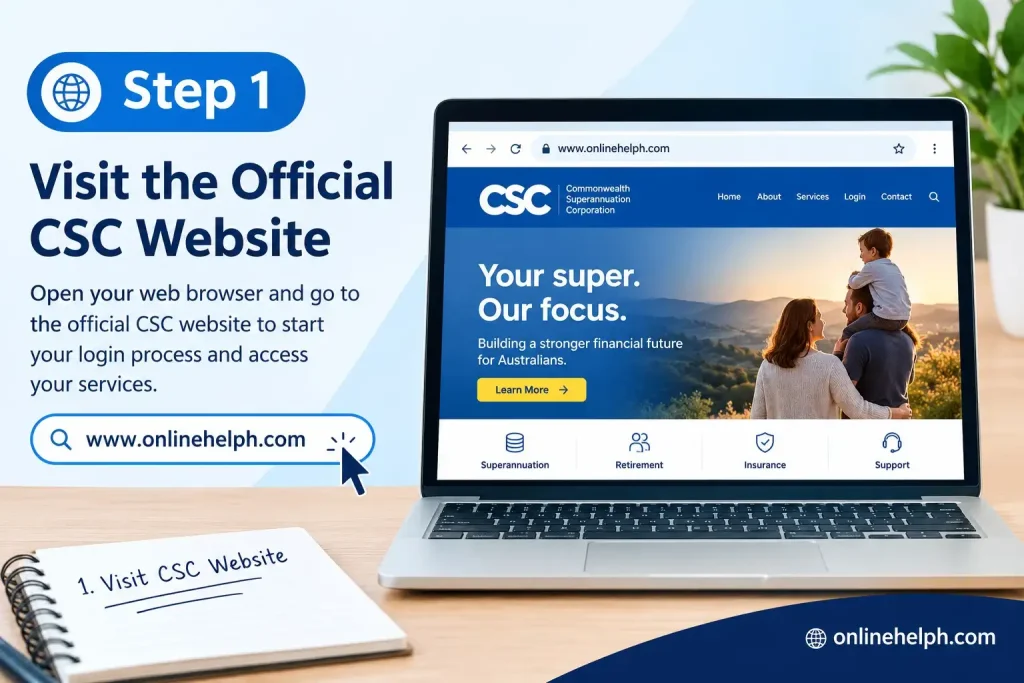
Step 1: Visit the Official CSC Website
Start by visiting the official Civil Service Commission website.
Civil Service Commission Official Website
Avoid downloading a SALN template from an unknown website when the official CSC version is available.
Step 2: Open the SALN Downloads Page
Go directly to the CSC’s Statement of Assets, Liabilities, and Net Worth (SALN) Form downloads page.
Official CSC SALN Downloads Page
The page contains the current SALN-related documents published by the CSC.

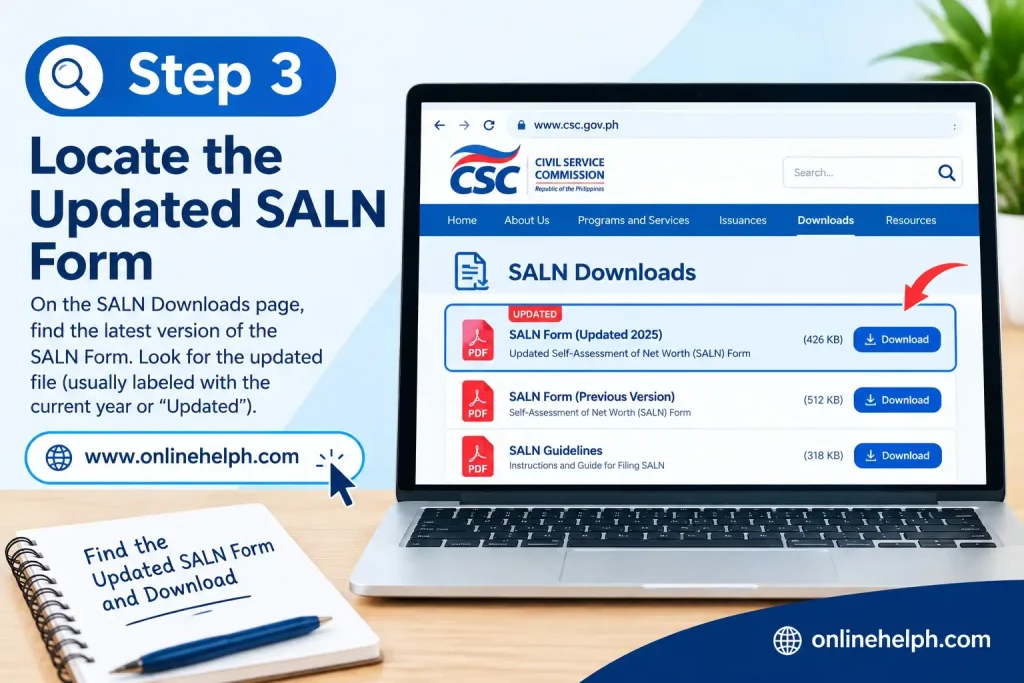
Step 3: Locate the Updated SALN Form
Look for:
“1-A Rules Annex A_2025 SALN Form (Updated Form as of 3 February 2026)”
This is particularly important for people searching online for a SALN Form 2026, because the CSC’s official listing uses the 2025 form designation while identifying the form as updated on February 3, 2026.
Step 4: Download the Form
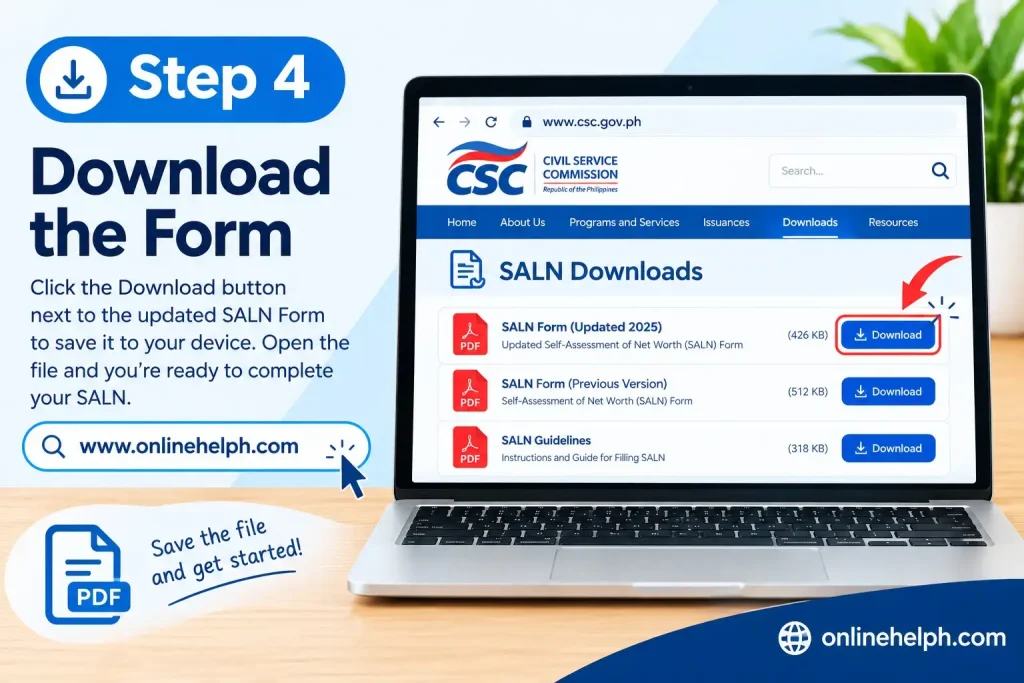
Select the Download option associated with the appropriate document.
Save the file somewhere you can easily access it, especially if you intend to complete the SALN electronically.
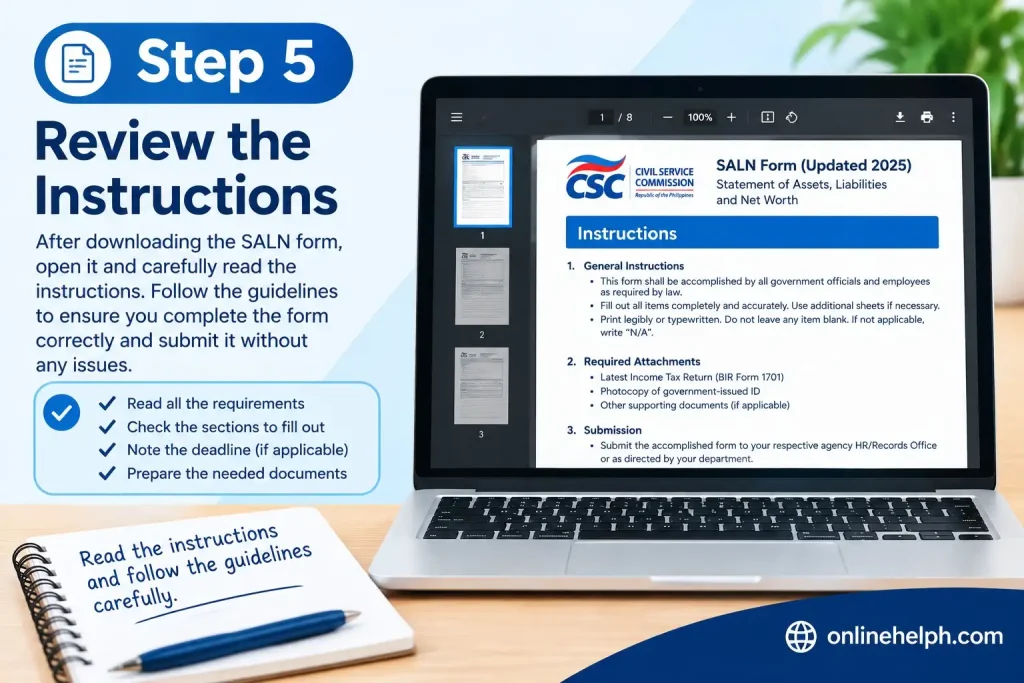
Step 5: Review the Instructions
Before entering information, read the applicable SALN guidelines and instructions.
The CSC also provides the Omnibus Rules on SALN, SALN Guidelines, FAQs, and related annexes on its official website.
This is particularly useful because the current rules include provisions concerning digital filing, online oath-taking, electronic signatures, and electronic submission.
How to Fill Out the SALN Form 2026 Step by Step
After downloading the official SALN Form 2026 from the Civil Service Commission (CSC), the next step is to complete each section carefully. The SALN is a sworn government declaration, so the information you provide should be accurate, complete, and based on the applicable reporting date and current rules.
The CSC’s official SALN downloads page provides the updated form and related annexes and guidelines.
Step 1: Enter Your Personal Information
Start by completing the personal information section of the SALN Form 2026.
Enter your information exactly as required by the form, including:
- Full name
- Position
- Agency or office
- Office address
- Other required employment details
If the form asks for information about your spouse, complete the applicable fields accurately.
The current SALN form also provides filing options concerning the declaration of the declarant and spouse. Select the option that applies to your circumstances rather than automatically choosing one.
Step 2: Declare Your Real Properties
The next section of the SALN Form 2026 concerns real properties.
Real properties may include reportable assets such as:
For each applicable property, carefully provide the information requested by the form.
Depending on the field, you may need to provide details such as:
Do not guess property values. Use the applicable valuation information and follow the instructions accompanying the current SALN form.
If a property is jointly owned, make sure the declaration reflects the applicable ownership information according to the SALN rules.
Step 3: Declare Your Personal Properties
After real properties, complete the personal properties section.
Personal property can include different types of assets that are required to be declared under the applicable rules. Examples may include:
The important point is to follow the valuation method required by the current SALN instructions.
For example, do not automatically replace an applicable acquisition cost with today’s estimated selling price simply because the asset’s market value has changed.
Review your financial and property records before entering amounts into the form.
Step 4: Declare Your Liabilities
The SALN Form 2026 also requires applicable liabilities to be reported.
Liabilities may include qualifying financial obligations such as loans and other debts covered by the applicable rules.
When completing this section, check the information requested by the form, including:
One common mistake is entering the original amount of a loan instead of the applicable outstanding balance.
If you originally borrowed ₱500,000 but have already paid part of the loan, do not simply enter ₱500,000 if the form requires the outstanding balance as of the reporting date. Use the appropriate amount according to the SALN instructions.
Calculate Your Net Worth
After declaring your assets and liabilities, calculate your net worth.
The basic calculation is:
Net Worth = Total Assets − Total Liabilities
For example, if your declared total assets are ₱2,000,000 and your applicable total liabilities are ₱500,000:
₱2,000,000 − ₱500,000 = ₱1,500,000
Therefore, the resulting net worth would be ₱1,500,000 based on those example figures.
Before signing the SALN Form 2026, check your calculations carefully.
Make sure that:
A simple arithmetic error can create an inconsistency between the different sections of your declaration.
Declare Business Interests and Financial Connections
Another important part of the SALN Form 2026 concerns business interests and financial connections.
If you have applicable business interests or financial connections that must be disclosed under the SALN rules, complete the appropriate section.
Read the definitions and instructions carefully before deciding whether information needs to be declared.
Do not leave a section blank simply because you are unsure what it means. If you are uncertain about whether a particular business interest or financial connection is covered, consult your agency’s HRMO or designated SALN receiving officer.
The CSC provides SALN-related guidelines and FAQs alongside the official forms, which can help explain the filing requirements.
Provide Required Information About Relatives
The SALN rules also include disclosure requirements concerning certain relatives in government service.
The relevant section concerns relatives within the fourth degree of consanguinity or affinity who are in government service, as applicable under the rules.
This section should be completed carefully because the relationship degree can sometimes be misunderstood.
Do not include information merely because someone is a distant acquaintance or because they work in the private sector. Instead, review the current SALN instructions and determine which relatives and circumstances are covered.
If you are uncertain about a particular relationship or disclosure, ask your HRMO or designated SALN officer before submitting the declaration.
Complete the Oath and Signature
The final stage of completing the SALN Form 2026 is the required oath and signature portion.
Before signing:
The SALN is a sworn declaration, so do not sign it until you have reviewed the information carefully.
The CSC’s updated SALN rules also address digitalized filing and online oath-taking. However, you should follow the procedure authorized by your agency instead of assuming that every government office uses exactly the same submission process.
How to Review Your SALN Form Before Submission
Completing the SALN Form 2026 is only one part of the process. A final review can help identify missing information and calculation errors before you submit the document.
SALN Pre-Submission Checklist
Use this checklist before submitting:
If you discover an error, correct it according to your agency’s instructions before final submission. If the SALN has already been submitted, contact the appropriate HRMO or receiving officer about the procedure for making a correction.
SALN Filing and Submission
After completing and reviewing your SALN Form 2026, determine how your agency requires the declaration to be submitted.
The CSC’s 2026 guidance states that covered officials and employees must file their annual SALN according to the applicable rules and deadlines. The CSC also issued updated rules concerning digital filing and electronic processes.
Before submitting your form, contact your HRMO or equivalent office to confirm:
How Many Copies Should You Prepare?
The CSC’s 2026 reminder states that three original copies are required for submission to the HRMO or equivalent office, while the updated rules also recognize digital filing and submission under specified procedures. Because agency implementation can differ, confirm the current procedure with your HRMO before preparing your final submission.
After filing, keep a personal copy and any available proof that your SALN was successfully submitted.
Common SALN Form 2026 Mistakes to Avoid
When completing the SALN Form 2026, several mistakes can be avoided by carefully reviewing the official form and instructions.
| Common Mistake | How to Avoid It |
|---|---|
| Using an outdated SALN form | Download the latest applicable version from the official CSC website. |
| Leaving required information blank | Review every applicable section before signing. |
| Forgetting an asset | Check your property and financial records carefully. |
| Entering the wrong property value | Follow the valuation requirements in the current form and rules. |
| Reporting the original loan instead of the required balance | Check the applicable outstanding liability as of the reporting date. |
| Incorrect net-worth calculation | Recalculate total assets minus total liabilities. |
| Missing business disclosures | Review the business-interest and financial-connection section. |
| Forgetting applicable relatives’ information | Check the requirements concerning relatives in government service. |
| Signing before reviewing | Complete a final review before taking the required oath and signing. |
| Assuming every agency uses the same submission process | Confirm the procedure with HRMO. |
The best way to avoid these problems is to use the official CSC SALN Form 2026, read the applicable instructions, and ask your agency’s designated SALN officer when a requirement is unclear.
FAQS
CONCLUSION
Completing the SALN Form 2026 accurately and submitting it on time helps public officials and employees meet their annual declaration requirements. Before filing, review every section carefully, provide complete and truthful information about your assets, liabilities and net worth, and check that all required signatures and supporting details are included. Use the latest form and instructions from the Civil Service Commission (CSC), and confirm your office’s submission procedure and deadline with your HR or administrative department. A careful final review can help prevent missing information and avoidable filing delays.
Read more
BIR eFPS 2026: Registration, Login, Tax Filing and Payment Guide
BIR eFPS 2026: Registration, Login, Tax Filing and Payment GuideMATATAG Curriculum Guide 2026
MAAG Curriculum Guide 2026