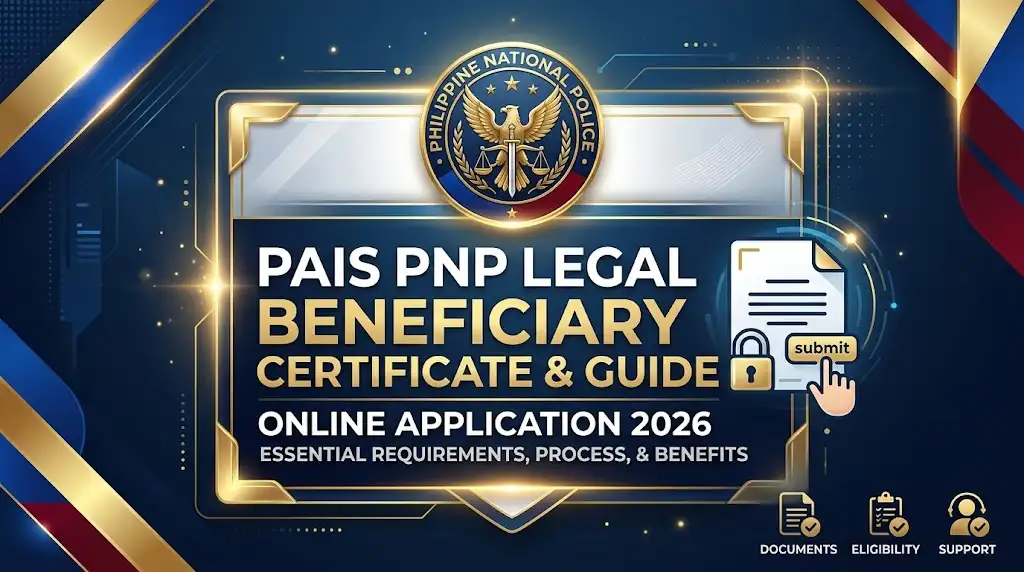
For PNP personnel, keeping legal beneficiary information accurate can be important when official records or supporting documents are required. The PAIS PNP Legal Beneficiary Certificate is associated with the Philippine National Police’s Personnel Administration Information System (PAIS), where personnel can access relevant beneficiary records. This guide covers the certificate, its purpose, and the basic online process for accessing beneficiary information in 2026, while also highlighting key points to check before requesting or using the document.
What Is the PAIS PNP Certificate
The Certificate of Declared Legal Beneficiary, commonly referred to as the CDLB, is a certification used to establish the qualified legal dependents declared by a PNP member.
For personnel, this document can be important when family-related records must be presented for official transactions. Depending on the purpose, the certificate may support matters involving dependent identification, healthcare-related claims, educational assistance, survivor benefits and other personnel or family-record requirements.
The certificate is connected to the member’s official personnel and family records. That means the information entered or maintained in the Personnel Accounting Information System – Philippine National Police. system should be consistent with the supporting civil documents submitted during processing.
Who Can Apply for a CDLB?
According to the DPRM Citizens’ Charter, the issuance of the Certificate of Declared Legal Beneficiaries is available to active PNP members.
Before starting an application, it is therefore sensible to check whether your personnel status and family information are properly recorded. If a spouse, child or other declared beneficiary is missing or has incorrect information, the record may need to be updated through the appropriate PNP personnel channel before the certificate can be processed.
PAIS PNP Login: How to Access the Certificate Module
The first practical step is to open the Personnel Accounting Information System – Philippine National Police. portal using a current browser. Google Chrome, Microsoft Edge or Mozilla Firefox can generally be used for government web applications.
Go directly to the relevant service page:
Personnel Accounting Information System – Philippine National Police. CDLB Service Page
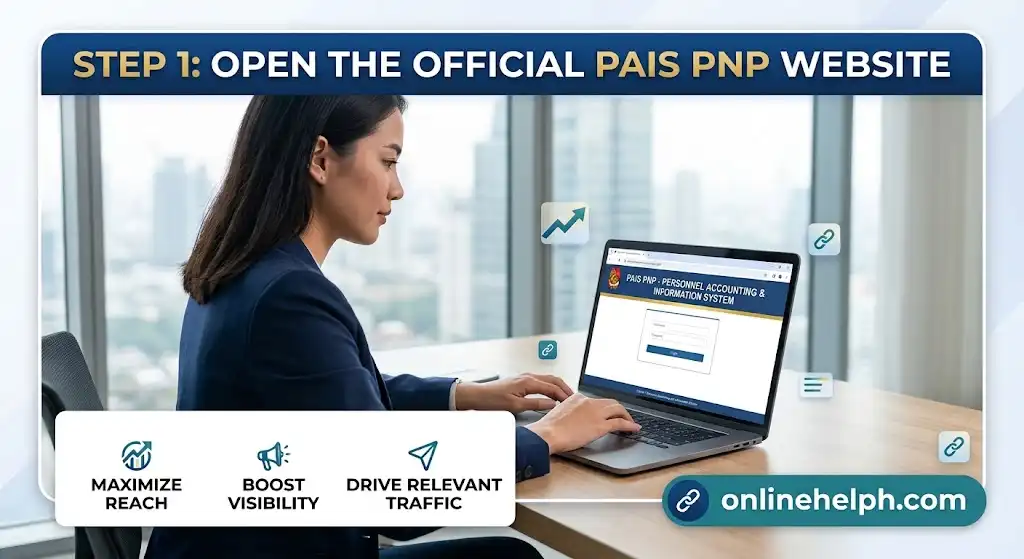
Step 1: Open the Official PAIS PNP Website
Enter the official PAIS address in your browser rather than relying on links from unknown websites or social-media posts.
Check the domain carefully before entering your credentials. Personnel accounts can contain sensitive information, so avoid submitting your User ID, password or other account details to unofficial pages. official site
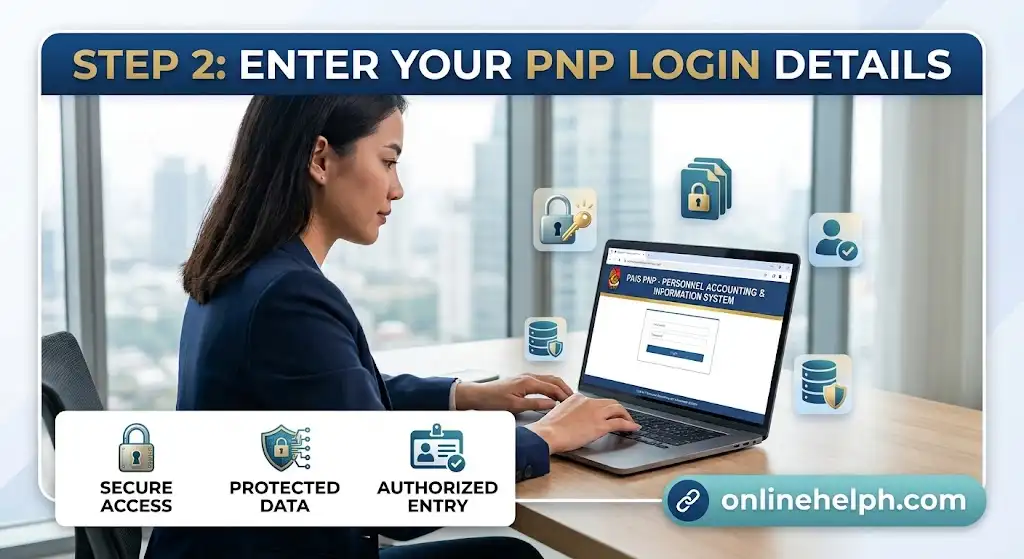
Step 2: Enter Your PNP Login Details
On the login screen, enter the credentials associated with your PNP personnel account.
Depending on the current portal configuration, this may involve your User ID, Badge Number or registered PNP account credentials.
Make sure there are no typing errors, particularly if your credentials are case-sensitive. visit homepage
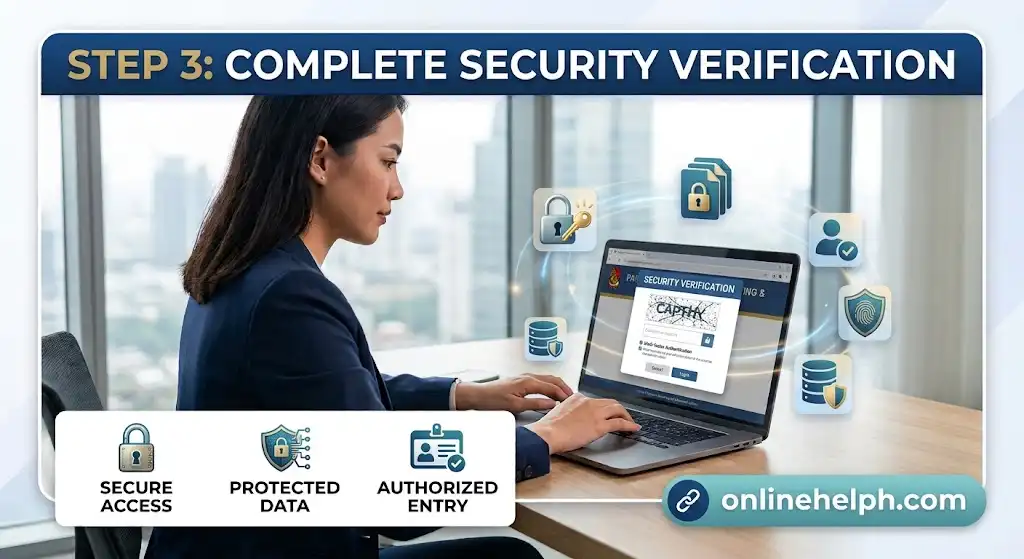
Step 3: Complete Security Verification
If the portal displays a CAPTCHA, security image or another verification step, complete it before continuing.
Security checks can change when the Personnel Accounting Information System – Philippine National Police.system is updated, so the exact appearance of the login page may not always remain the same.
Step 4: Sign In
Select the available Log In or Sign In option. Once authentication is successful, you should be taken to the personnel dashboard or the relevant service area.
From there, locate the certificate function associated with the Certificate of Declared Legal Beneficiary.

Forgotten PAIS PNP Password? What to Do
A forgotten password does not necessarily mean that you need to create another account. Start by checking whether the login page provides a Forgot Password option.
If available, follow the reset instructions shown by the portal. The recovery process may ask for information associated with your registered PNP account, such as your registered email address or Badge Number.
If your account is locked after repeated unsuccessful login attempts, the better approach is to contact your authorised personnel or system administrator rather than repeatedly trying different passwords.
Common PAIS PNP Login Problems
| Login problem | Possible reason | What you can try |
|---|---|---|
| Forgotten password | Credentials are not remembered or have expired | Use the portal’s password-recovery option if available |
| Account locked | Several unsuccessful login attempts | Contact the appropriate RPHRDD/ARMD administrator or DPRM IT support |
| Website not loading | Browser, network or maintenance issue | Check your connection, clear browser data and try again |
| Access denied | Personnel record or permissions may not match | Ask the appropriate PNP personnel office to check your record |
| Unexpected redirection | Session or account-permission problem | Sign out, reopen the official portal and try again |
Important: The exact login and recovery buttons can change when a government portal is updated. Follow the instructions displayed on the live PAIS PNP page rather than relying on an old screenshot.
What Information Should Be Checked Before Applying?
Before beginning the CDLB process, review your personnel and family information carefully.
The names and relationships recorded for your declared beneficiaries should correspond with the underlying civil-registry documents. A mismatch between your Personnel Accounting Information System – Philippine National Police. record and a PSA document can create unnecessary delays when the application is reviewed.
Pay particular attention to:
This preparation is especially useful when a document contains a different spelling, incomplete name or outdated family information.
PAIS PNP CDLB Requirements
The supporting documents are an important part of the Personnel Accounting Information System – Philippine National Police. Certificate of Declared Legal Beneficiary process. The material supplied for this guide identifies several documents that may be required depending on the member’s circumstances.
Core Documents
The application package may include:
The DPRM Citizens’ Charter independently confirms the service and its documentary requirements, including a unit endorsement and civil-registry documentation.
Spouse Requirements
For a declared spouse, the supplied requirements specify the relevant PSA Marriage Contract, together with the required supporting PSA marriage-record documentation for both husband and wife.
Because civil documents are used to establish family relationships, make sure the names and dates are readable and consistent before submitting them.
Children’s Requirements
For legitimate or legal children, the listed requirement is the applicable PSA Birth Certificate.
If more than one child is being declared, prepare the relevant certificate for each child required by the application.
Single or Unmarried Personnel
The supplied requirements include a PSA Certificate of No Marriage Record (CENOMAR) for single or unmarried personnel.
CENOMAR documentation is a civil-registry record, so it should be obtained through the appropriate Philippine Statistics Authority process.
Deceased Beneficiary
If the application involves a deceased beneficiary, the supplied requirements identify the PSA Death Certificate as the supporting civil document.
This type of record should be submitted clearly and according to the current instructions of the responsible PNP personnel office.
Before You Upload Documents
Digital copies should be readable. A blurry scan can make names, dates, certificate numbers and other details difficult to verify.
A useful preparation routine is to check every file before uploading:
The goal is not to upload as many files as possible. It is to provide the documents that actually support the beneficiary information being declared.
What Happens After You Access the CDLB Module?
Once you are inside the Personnel Accounting Information System – Philippine National Police. personnel system, the next stage is to locate the certificate service and review the family information associated with your record.
The process supplied for this guide follows a sequence broadly built around:
Personnel record review → beneficiary information → supporting documents → application submission → unit endorsement → RMD/DPRM processing → certificate release
The exact buttons, menus and status labels can change as the portal develops. For that reason, the live Personnel Accounting Information System – Philippine National Police. interface should always take priority over older tutorials.
Quick Tip
Do not wait until the final submission stage to discover that a spouse’s name or child’s birth record does not match your personnel information. Checking the family record first can save time and help identify whether an update or supporting document is needed.
Is PAIS PNP the Same as e-Devlet?
No. These are separate government systems.
e-Devlet Kapısı is Türkiye’s central e-government gateway, where users can access Turkish public services, information and documents through a single online portal. The official website is =https://pais.pnp.gov.ph/Personnel/CertificateOfDeclaredLegalBenificiary
Personnel Accounting Information System – Philippine National Police., on the other hand, relates to Philippine National Police personnel services. Therefore, someone searching for a PNP Certificate of Declared Legal Beneficiary should use the relevant PNP/PAIS channels rather than the Turkish e-Devlet portal.
This distinction matters because both terms can appear in online searches, but they refer to completely different government systems.
Key Points to Remember
The most important things to check before starting the application are:
The DPRM Citizens’ Charter is also a useful official reference because it identifies the Certificate of Declared Legal Beneficiaries as an RMD/DPRM service for active PNP
PAIS PNP Certificate of Declared Legal Beneficiary: Complete Guide
After accessing the Personnel Accounting Information System – Philippine National Police. Certificate of Declared Legal Beneficiary service, the next stage is to make sure the beneficiary records and supporting documents are ready for evaluation. This is where careful checking matters most.
A CDLB application is based on official personnel and family information, so applicants should avoid submitting details that conflict with their civil-registry records.
How to Process the Certificate of Declared Legal Beneficiary
The online portion of the process can be viewed as a series of connected stages rather than one single form. Your personnel record provides the basic information, while supporting documents establish the relationship with the declared beneficiary.
1. Review Your Family Background Information
After signing in to the Personnel Accounting Information System – Philippine National Police. system, review the family information recorded under your personnel profile.
Check details such as:
Compare these details with your original PSA documents before proceeding.
Why does this matter?
A small difference in spelling can become a problem during document evaluation. For example, a missing middle name, incorrect date or inconsistent surname may require clarification before the record can be finalised.
2. Open the CDLB Service
Once your information has been reviewed, proceed to the Certificate of Declared Legal Beneficiary service within the personnel system.
The directPersonnel Accounting Information System – Philippine National Police. service address supplied for this purpose is:
Personnel Accounting Information System – Philippine National Police. Certificate of Declared Legal Beneficiary
Because government portals can change their menus, the names or locations of individual buttons may differ from older instructions. Use the options currently displayed in your authenticated PAIS account.
3. Prepare and Attach Supporting Records
The next part involves supplying the documents required for your particular beneficiary situation.
The supplied requirements identify several categories of supporting records, including PSA certificates, affidavits, identification documents, photographs and unit endorsements.
A useful way to organise the paperwork is to separate it into three groups:
| Document group | Examples |
|---|---|
| Civil-registry records | PSA Marriage Contract, Birth Certificate, CENOMAR or Death Certificate |
| Personal identification | Government-issued ID and specimen signatures |
| PNP processing documents | Unit endorsement and Affidavit of Confirmation |
Not every applicant will need every document. Requirements depend on the family circumstances being recorded.
4. Affidavit of Confirmation
The supplied CDLB requirements include a Computerised Affidavit of Confirmation that must be notarised.
Before submitting it, check that:
If your unit gives you a specific current format, follow that version rather than relying on an older copy found online.
5. Unit Endorsement
The application also requires the appropriate PNP endorsement.
The supplied material identifies possible endorsing authorities including the:
The appropriate authority will depend on the applicant’s unit and current organisational arrangement.
This endorsement is important because the CDLB application is not simply a public online form. It is connected to official PNP personnel records and internal processing.
Which PSA Documents May Be Required?
The exact supporting document depends on the beneficiary being declared.
For a Spouse
The supplied requirements identify the original PSA Marriage Contract, together with the applicable PSA marriage advisory documentation for both husband and wife.
Before submission, compare the names appearing on the marriage record with your personnel information.
For Children
For legitimate or legal children, the supplied requirements specify the relevant original PSA Birth Certificate with its supporting receipt documentation.
If several children are being declared, organise their records separately so that each document can easily be matched with the corresponding beneficiary.
For an Unmarried PNP Member
The supplied material identifies the PSA Certificate of No Marriage Record (CENOMAR) for single or unmarried personnel.
A CENOMAR is a civil-registry document issued through the Philippine Statistics Authority.
For a Deceased Beneficiary
When the declaration involves a deceased beneficiary, the supplied requirements specify an original PSA Death Certificate with the relevant receipt documentation.
Keep the original available even when a digital copy is uploaded or submitted.
Identification and Photo Requirements
The supplied requirements also mention identification and photograph specifications.
These include:
Photographs and identification copies should be prepared carefully. If the image is unclear or does not follow the stated specifications, it may need to be replaced.
What Happens After Submission?
Submitting the information online is not necessarily the final stage of the Personnel Accounting Information System – Philippine National Police. Certificate of Declared Legal Beneficiary process.
Based on the supplied workflow, the application continues through the appropriate PNP administrative channel before the Records Management Division (RMD) of the Directorate for Personnel and Records Management (DPRM) completes its processing.
The general sequence is:
Online application → document preparation → submission → endorsement → forwarding through the appropriate unit channel → RMD/DPRM evaluation → release of certificate
This distinction is important for applicants who expect the certificate to appear immediately after clicking the submission button.
Printing the Endorsement or Application Form
Where the current Personnel Accounting Information System – Philippine National Police. system generates an application or endorsement form, follow the portal’s instructions for printing it.
The supplied workflow states that the system-generated draft should be printed and secured with the appropriate physical endorsement.
Before handing it to your unit, inspect the printed document for obvious errors.
Check:
If something is incorrect, do not simply assume it will be corrected later. Ask the appropriate personnel office how the record should be amended.
Forwarding the Application to RMD-DPRM
After the required endorsement and supporting documents are prepared, the application package is forwarded through the appropriate Unit Liaison Officer or designated personnel channel to the Records Management Division (RMD), DPRM.
The exact internal routing can depend on the applicant’s unit.
This is one reason applicants should coordinate with their respective personnel or administrative office if they are unsure where the endorsed documents should go.
How Long Does CDLB Processing Take?
The supplied material does not provide a guaranteed universal processing time for every Personnel Accounting Information System – Philippine National Police. CDLB application.
The time required can depend on document completeness, record verification, endorsement, internal routing and the workload of the responsible office.
Rather than relying on an unofficial estimate, applicants should use the current PAIS status information and contact the responsible PNP office when a follow-up is necessary.
The DPRM Citizens’ Charter identifies the Certificate of Declared Legal Beneficiaries as an RMD service and provides official service information.
How to Avoid Delays in Your PAIS PNP Application
Most avoidable problems happen before the application reaches final evaluation.
Check Your Names Carefully
Make sure names in your PAIS record agree with the relevant PSA certificates.
Use Clear Copies
Scanned documents should be readable from beginning to end. Avoid photographs where text is difficult to see.
Prepare Originals
Even when copies are submitted electronically, retain your original civil documents for verification.
Obtain the Correct Endorsement
An incomplete or incorrectly endorsed form can interrupt the routing process.
Follow Current Portal Instructions
Do not assume that an older tutorial reflects the current Personnel Accounting Information System – Philippine National Police. interface. Government systems are periodically updated.
PAIS PNP CDLB Status and Follow-Up
After submission, applicants may need to monitor the application’s progress through the available personnel system or coordinate with their unit.
If a status does not change as expected, avoid submitting duplicate applications without first checking with the responsible office.
A duplicate request can create confusion if an earlier application is already being evaluated.
For a status enquiry, have relevant information ready, such as:
Providing complete information can make it easier for support personnel to locate the appropriate record.
PAIS PNP Technical Problems
Not every CDLB problem is caused by missing documents. Sometimes the issue is technical.
If the Personnel Accounting Information System – Philippine National Police. page does not load correctly, try these basic checks:
Do not share your password with another person simply because you are experiencing a login problem.
Account Locked or Access Denied
If your Personnel Accounting Information System – Philippine National Police. account becomes locked after unsuccessful login attempts, contact the appropriate RPHRDD/ARMD administrator or DPRM IT support identified by your organisation.
Similarly, if you can sign in but cannot access the CDLB module, the problem may relate to your personnel profile or system permissions.
In that situation, repeatedly attempting to access the same page is unlikely to solve the underlying record issue. Ask the authorised administrator to verify whether your account and personnel record have the required access.
Where Can PNP Personnel Get Help?
For questions that involve your actual personnel record, family information or application routing, your Regional Personnel and Human Resource Development Division (RPHRDD) or appropriate administrative/personnel officer can be an important first point of contact.
For RMD-related concerns, the supplied information lists:
Records Management Division (RMD), DPRM
Camp BGen Rafael T. Crame, Quezon City
Trunkline: (02) 8723-0401 Local 4538 / 7663
The supplied information also lists a system-support mobile number of +63 927 964 6657, with operating hours of Monday to Friday, 8:00 AM to 5:00 PM.
Because telephone numbers and office arrangements can change, verify current contact details through official PNP channels before relying on older contact information.
PAIS PNP CDLB: What to Prepare at a Glance
Before starting the application, keep these points in mind:
Having these items ready makes the process more organised and reduces the chance of stopping halfway through the application.
A Practical Way to Organise Your Documents
Instead of keeping every document in one folder, create separate groups for civil records, identification, and PNP forms.
For example:
Folder 1 — Civil Documents
Folder 2 — Identification
Folder 3 — PNP Forms
This simple organisation can make both online uploading and physical submission easier.
FAQS
Conclusion
The PAIS PNP Certificate of Declared Legal Beneficiary (CDLB) is an important document for active Philippine National Police personnel who need to establish or confirm their declared legal beneficiaries. The process begins with accessing the PAIS PNP portal, reviewing your personnel and family information, and preparing the appropriate supporting documents.
Before submitting your application, carefully check beneficiary names, civil status, birth or marriage details, PSA records, identification documents, and required endorsements. Clear and complete documents can help prevent unnecessary delays during evaluation and processing.
Remember that the online PAIS PNP process may be followed by internal verification, endorsement, and RMD/DPRM processing. Portal menus and procedures can also change over time, so always follow the instructions displayed on the current official PAIS PNP system.
By keeping your personnel and beneficiary records updated and coordinating with your authorized PNP personnel office whenever corrections are needed, you can make the PAIS PNP Certificate of Declared Legal Beneficiary process more organized and straightforward.